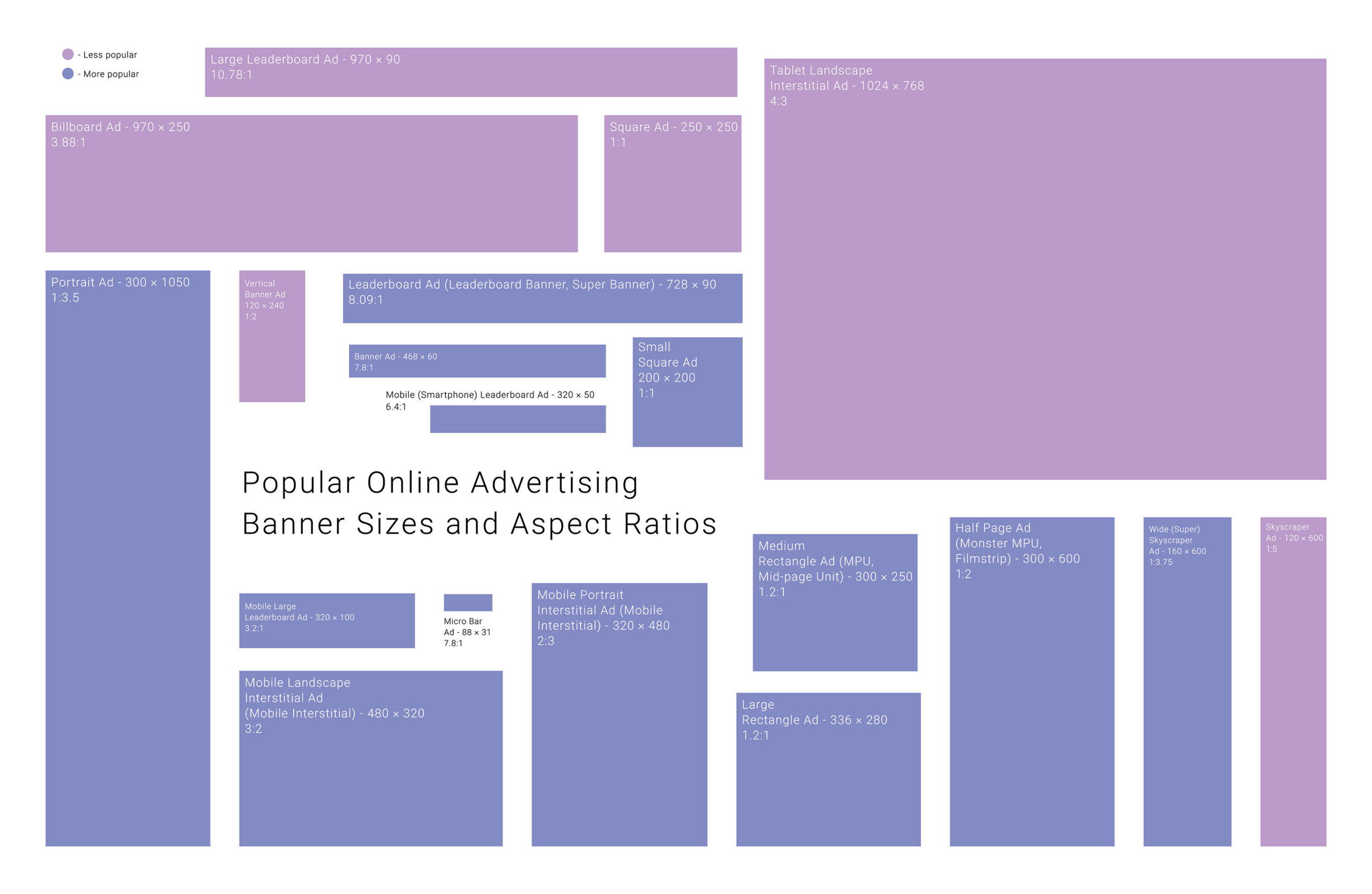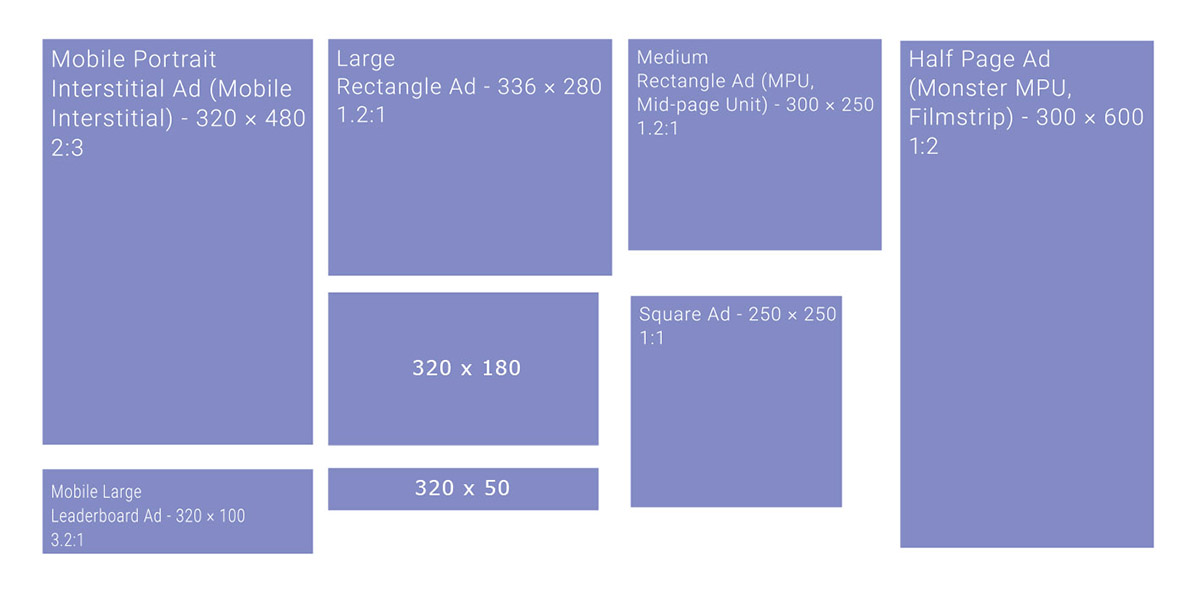
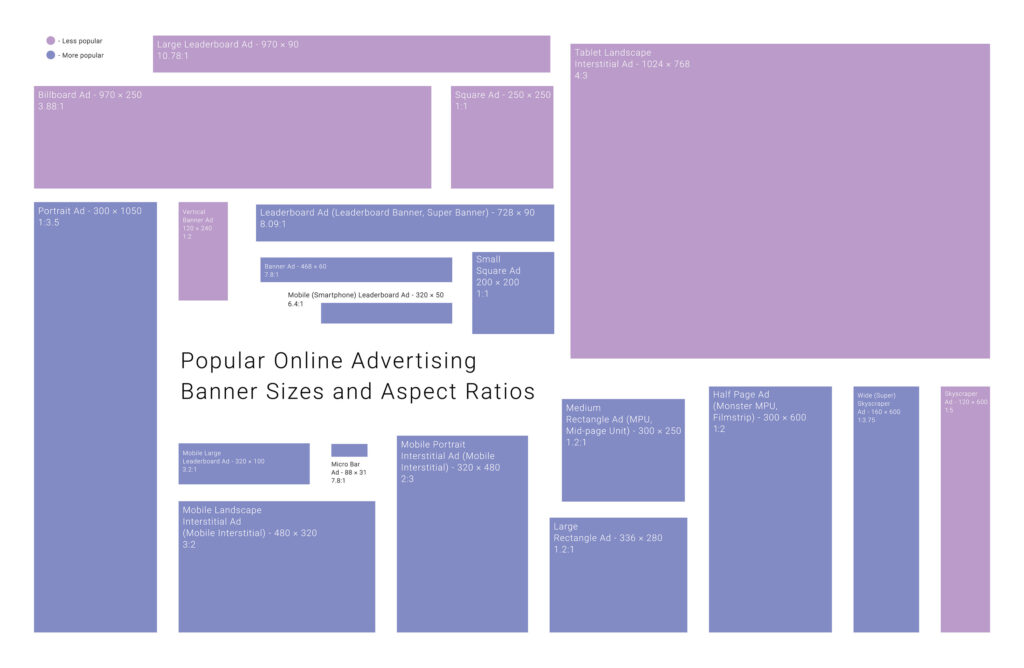
In the ever-evolving world of digital advertising, one thing remains constant: the importance of choosing the right banner ad size. Banner dimensions play a pivotal role in campaign success, maximizing visibility and engagement and ensuring compatibility across devices and platforms. Continue reading to explore everything about common banner ad sizes!
In This Article:
Why Are Ad Sizes Important?
Ad sizes are crucial in determining the visibility, effectiveness, and profitability of banner ads. Larger formats like leaderboards (728×90) or billboards (970×250), especially when placed above the fold, draw more attention and engagement simply because they’re more noticeable without scrolling.
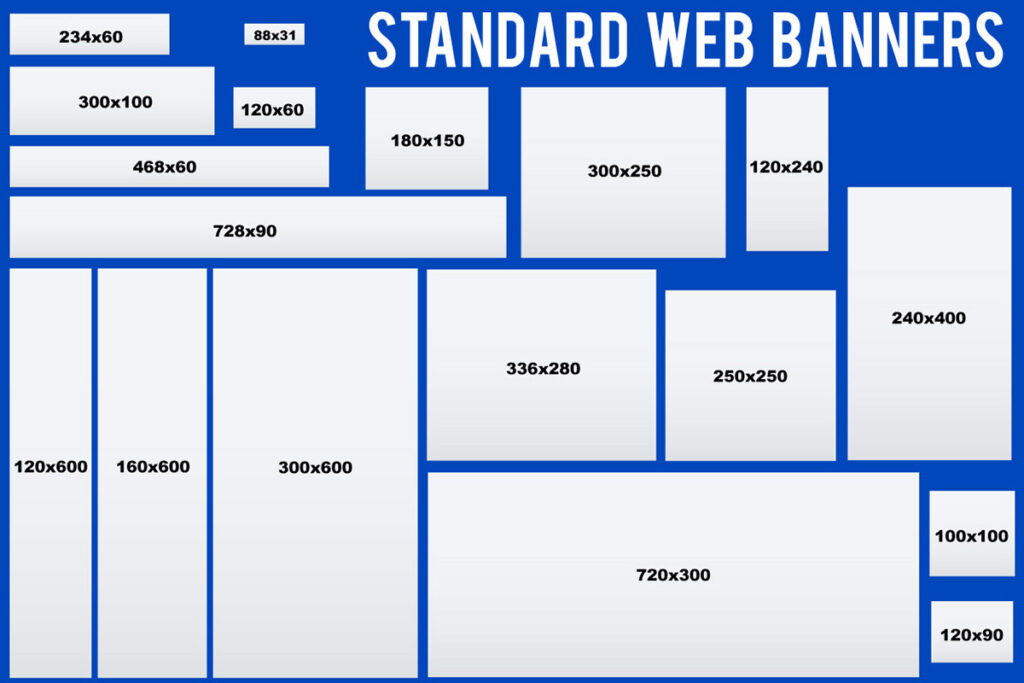
Standardized sizes, as defined by the IAB, ensure compatibility across platforms and make ad deployment more efficient. They also align with ad networks’ requirements, making campaigns easier to manage and scale.
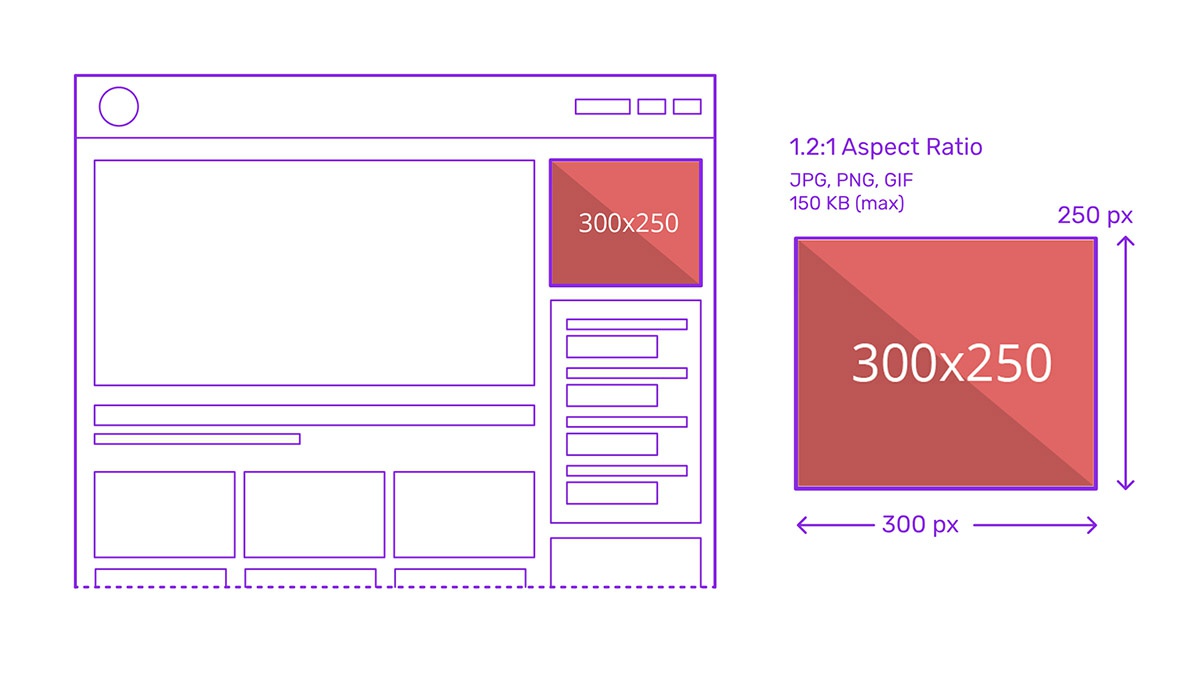
Certain sizes consistently perform better, like the medium rectangle (300×250) and mobile leaderboard (320×50), because they strike a balance between visibility and non-intrusiveness. Choosing the right size enhances ad viewability, click-through rates, and, ultimately, revenue potential.
Desktop/Web Banner Ad Dimensions
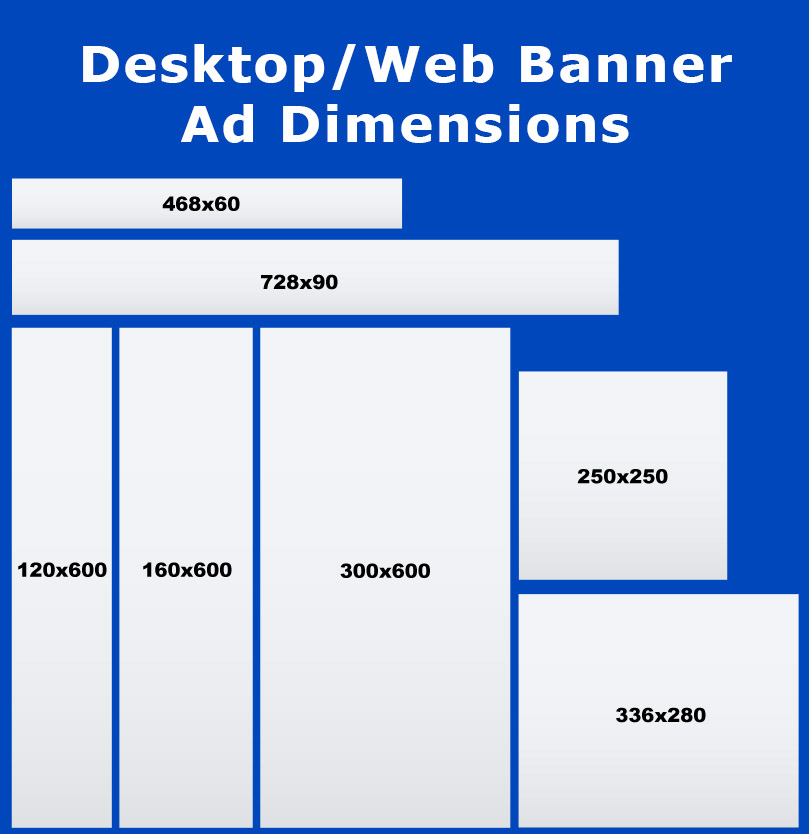
Here is a quick reference table of the most widely used web ad dimensions:
| Ad Type | Dimensions (px) |
| Full Banner | 468 x 60 |
| Large Leaderboard | 728 x 90 |
| Large Rectangle | 336 x 280 |
| Medium Rectangle | 300 x 250 |
| Large Skyscraper | 300 x 600 |
| Wide Skyscraper | 160 x 600 |
| Skyscraper | 120 x 600 |
Full Banner (468 x 60)
The banner size is one of the oldest ad formats, traditionally placed within content or near footers. Though it sees less use today, it remains relevant for legacy platforms and smaller publisher sites. Its narrow height makes it less visually dominant.
Large Leaderboard (728 x 90)
The 728×90 Large Leaderboard is a standard desktop format typically positioned at the top of web pages. Its size allows for strong branding and messaging, making it highly effective in driving impressions and engagement.
Large Rectangle (336 x 280)
This ad size offers more space than the medium rectangle, giving designers the flexibility to include visuals and text. It performs well when embedded in content or at the end of articles, delivering both visibility and click-through potential.
Medium Rectangle (300 x 250)

The 300×250 Medium Rectangle is one of the highest-performing and most versatile banner sizes. It fits neatly into sidebars, content blocks, or mobile layouts, offering strong engagement rates across platforms.
Large Skyscraper (300 x 600)
Known as a “half-page” ad, this format provides significant visual impact. At 300×600, it’s ideal for storytelling creatives or promotions with multiple elements, usually placed in sidebars for maximum vertical engagement.
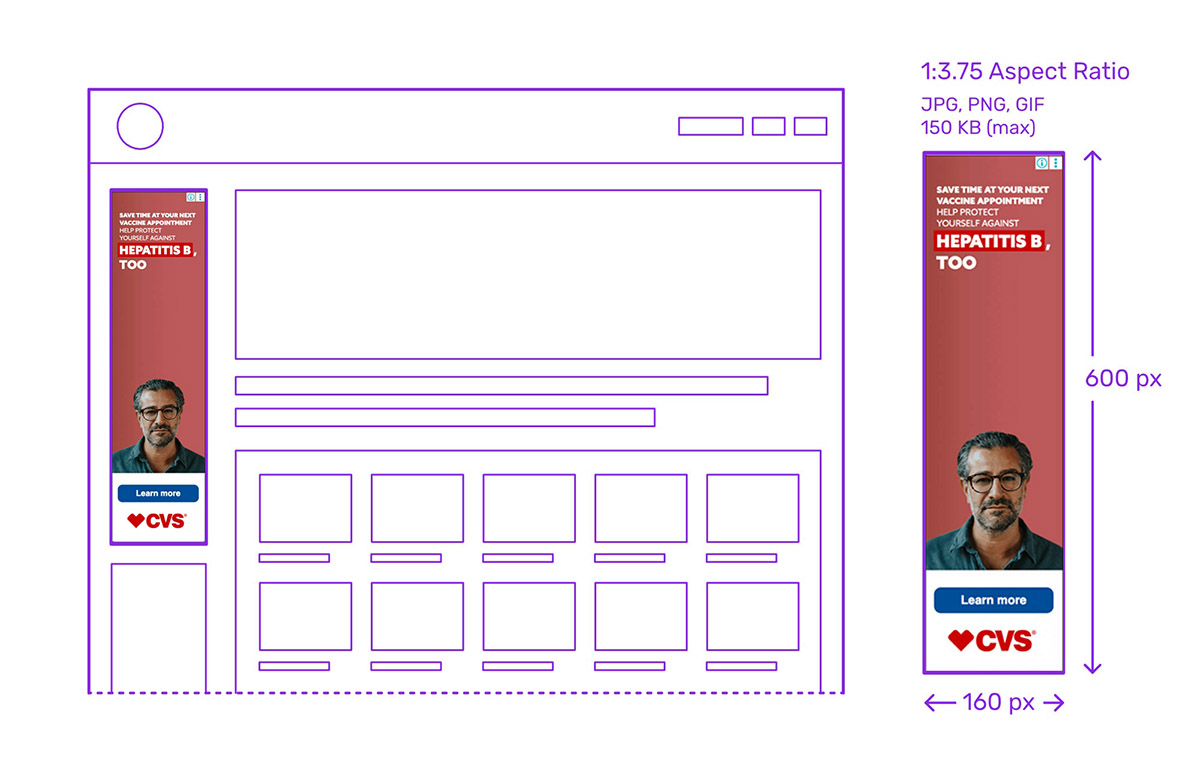
Wide Skyscraper (160 x 600)

The 160×600 Wide Skyscraper offers a sleeker version of vertical ads, balancing space efficiency and visibility. It works well in side columns and maintains high viewability as users scroll through content.
Skyscraper (120 x 600)
Though now less common, the 120×600 Skyscraper is a legacy vertical format. It offers a compact presence on pages with limited sidebar space and is still used in some older or minimalist site layouts.
Mobile Digital Ad Sizes
Mobile digital ads come in a variety of sizes, including Large Leaderboard, Medium Rectangle, and Wide skyscraper. Besides, there are other mobile-optimized ad dimensions below:
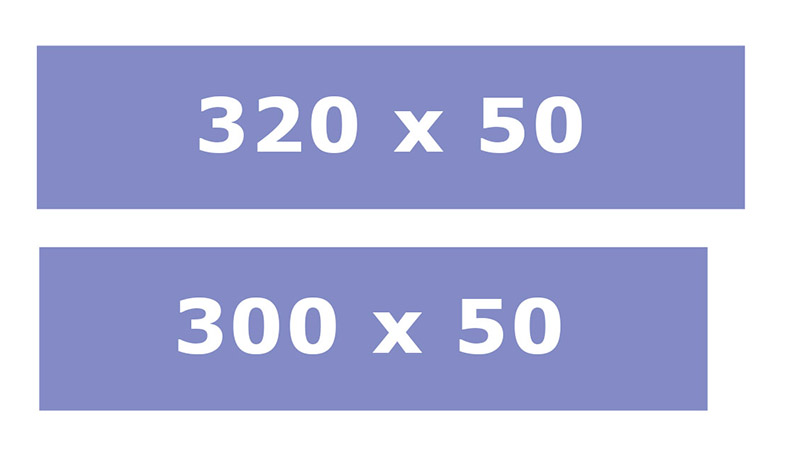
Mobile Static Banner (300 x 50)
The 300×50 static banner is a compact, lightweight ad format ideal for simple, text-based, or static image campaigns. It’s typically used at the top or bottom of mobile screens and is easy to integrate without significantly interrupting user experience. While smaller in size, it’s still effective for brand visibility in low-disruption contexts.
Mobile Leaderboard (320 x 50)
Known as the “mobile leaderboard,” the 320×50 ad is a mobile-optimized banner that spans the width of most smartphone screens. It’s one of the most common ad sizes in mobile advertising due to its universal compatibility and minimal intrusiveness. This format performs well when placed at the top or bottom of the app or mobile webpage.
Mobile Interstitial Ads (320×480, 768×1024, 480×320, 1024×768)
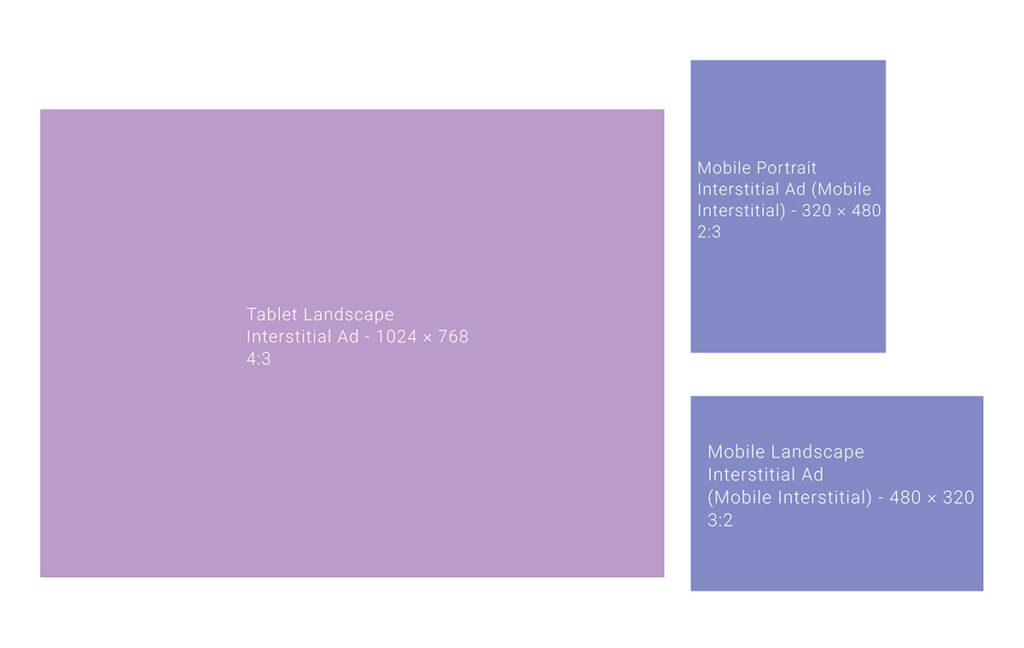
Interstitial ads are full-screen units that appear at natural transition points in apps or between content pages. Common dimensions include:
- 320×480 (portrait orientation, smartphones)
- 480×320 (landscape orientation)
- 768×1024 (portrait for tablets)
- 1024×768 (landscape for tablets)
These formats offer high visibility and engagement, making them ideal for impactful messaging, though they must be used carefully to avoid disrupting the user experience.
300 x 100
This mobile-friendly banner is slightly larger than standard mobile ads, offering more space for visuals or calls to action. It provides a balance between presence and subtlety, suitable for in-app placements or mobile web footers where a larger message can be delivered without overwhelming the layout.
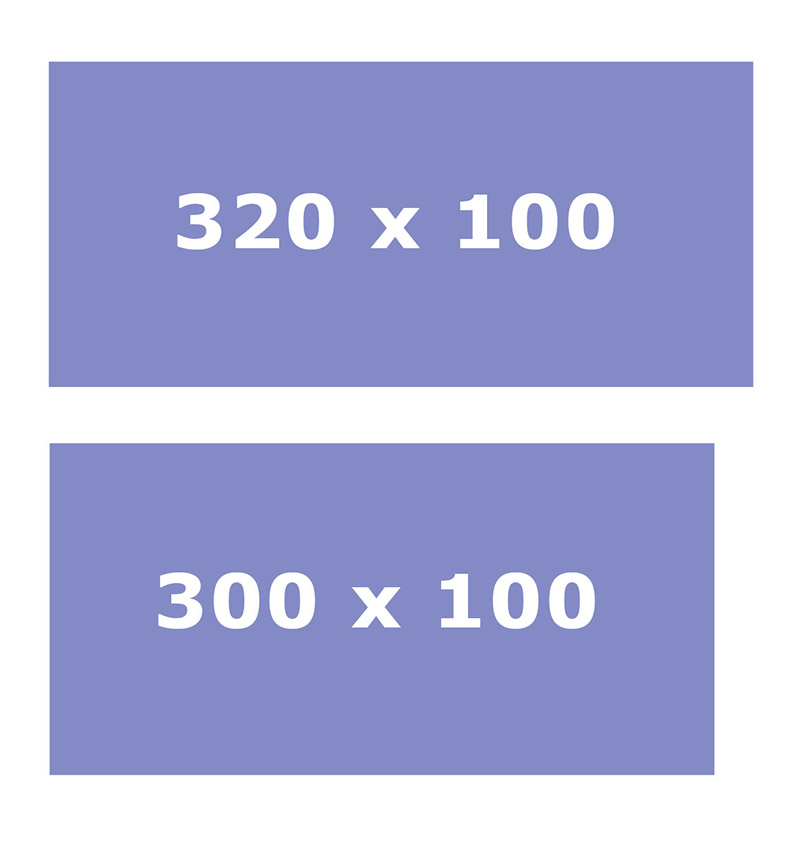
320 x 100
Also known as the “large mobile banner,” the 320×100 ad doubles the height of the mobile leaderboard. It offers enhanced visibility while maintaining compatibility with most screen sizes. Google recommends this format for its strong performance and frequently uses it in mobile web and in-app environments for branding and awareness campaigns.
Print Banner Advert Sizes
Print banners are physical displays commonly used for events, storefronts, exhibitions, and promotions. They come in standardized dimensions that serve specific visibility and spatial needs.
2’ x 5’
The 2 by 5-foot banner is a compact vertical format, often used for indoor settings like trade show booths, entrances, or promotional stands. It’s effective for concise messages and eye-catching visuals in tight spaces.
3’ x 6’
This size is a versatile option for both indoor and outdoor use. The 3’ x 6’ banner offers a balanced layout for logos, messages, and images. It’s commonly seen hanging on fences, walls, or event backdrops due to its readability and portability.
4’ x 8’
A larger horizontal layout, the 4’ x 8’ banner is ideal for more comprehensive messaging or prominent outdoor advertising. It works well in locations with heavy foot or vehicle traffic, such as building exteriors or roadside fences.
6’ x 4’
This format offers a wider canvas for impactful messaging, commonly used for stage backdrops, sponsor displays, and large event signage. Its landscape orientation makes it easy to read from a distance while maintaining visual balance.
8’ x 2’
The 8’ x 2’ banner is long and narrow, making it suitable for placement above doorways, along railings, or across booths. It’s particularly effective for linear messaging like brand names, slogans, or directional signage in corridors or entry points.
Other Sizes Of Advertising Supported By Google
In addition to the commonly used mobile ad sizes, Google Ad Manager supports a broad range of other display ad dimensions.
| Ad Size (px) | Description |
| 250×250 | Square Banner – compact, fits tight spaces |
| 234×60 | Half Banner – small footprint |
| 200×200 | Small Square Banner – for limited space |
| 180×150 | Small Rectangle – very compact layout |
| 125×125 | Button Banner – minimal space usage |
| 120×240 | Vertical Banner – slim and unobtrusive |
| 120×60 | Small Button Banner – niche, space-limited use |
| 88×31 | Tiny Button Banner – used for minimal branding |
| 980×120 | Panorama – popular in Sweden and Finland |
| 980×90 | Widely used in Europe |
| 950×90 | Common in China |
| 930×180 | Top Banner – used in Denmark |
| 750×300 | Common in Poland (alternative to 750×200) |
| 750×200 | Poland’s most popular ad format |
| 750×100 | Effective in Polish branding campaigns |
| 580×400 | Netboard – prevalent in Norway |
| 250×360 | Triple Widescreen – second most used in Sweden |
| 240×400 | Vertical Rectangle – dominant in Russia |
7 Things To Consider When Choosing Web Ad Dimensions
Here are key factors to consider when determining the ideal banner sizes for your campaign:

- Banner placement (above or below the fold): Ads placed above the fold, visible without scrolling, tend to receive more impressions and higher engagement. These positions are ideal for grabbing attention early in the user’s browsing experience.
- Device compatibility: Make sure your chosen dimensions are responsive and perform well across both desktop and mobile. Sizes like 300×250 and 320×50 are versatile and commonly supported on most platforms.
- Page layout and design: The available space within your website’s layout influences which sizes will look natural and non-disruptive. For instance, vertical ads like 160×600 work well in sidebars, while rectangles are better embedded in content.
- User behavior: Consider how users interact with your site, whether they scroll a lot, linger on content, or navigate quickly. Matching ad visibility to user flow can enhance performance and reduce banner blindness.
- Campaign goals: If your goal is branding, large banners like billboards (970×250) offer more creative room. For direct response, medium rectangles (300×250) or mobile banners (320×100) often yield better click-through rates.
- Load time and user experience: Larger ad files can slow down page loading, potentially harming the user experience and SEO. Choose dimensions that balance impact and performance, especially on mobile connections.
- Advertiser demand and network standards: Using standard IAB sizes ensures better fill rates and access to a broader pool of advertiser demand. These dimensions are more likely to be supported by programmatic platforms and perform better in auctions.
So, What Is The Best Banner Size For Google AdSense?
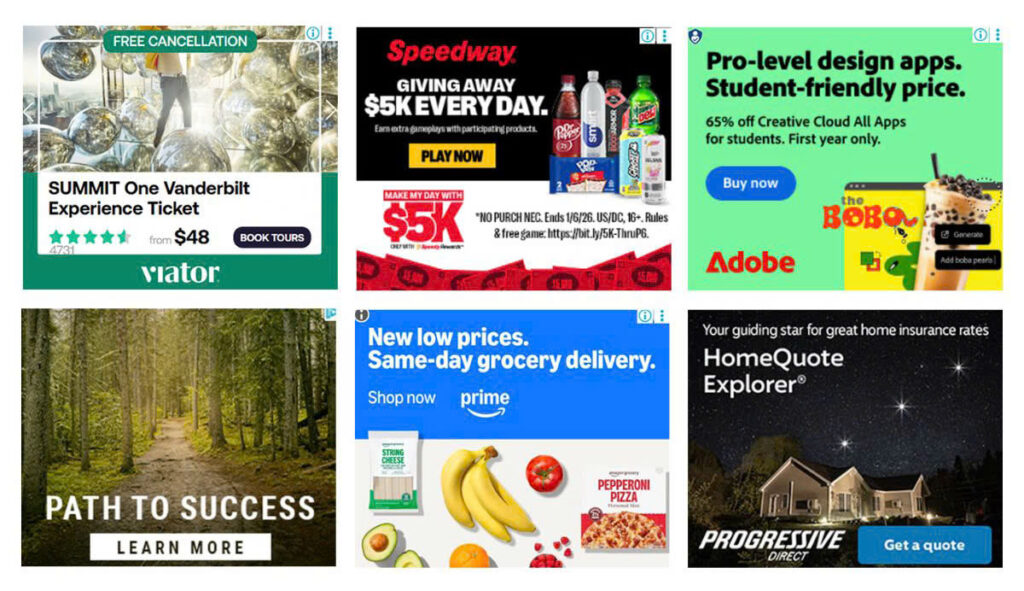
The five top-performing banner ad sizes for Google AdSense are 728×90 (Leaderboard), 336×280 (Large Rectangle), 300×250 (Medium Rectangle), 300×600 (Half Page), and 320×100 (Large Mobile Banner). These sizes are favored by Google due to their higher fill rates, broader advertiser demand, and better performance across devices. So, consider incorporating them into your ad strategy to maximize both visibility and revenue potential.
See more common Ad banner sizes: